We've been talking a lot about agents building things. Using coding agents to debug, write, and iterate faster. I wrote about that already.
But there's a flip side that deserves its own piece: what does your site look like to an agent? Not a coding agent poking at your dev environment, but a user-facing agent trying to actually accomplish something on your production site. Book a table. Add something to a cart. Find the right information and act on it.
The answer, for most sites right now, is: not great.
Lighthouse has a new category that makes that measurable.
The Agentic Browsing audit
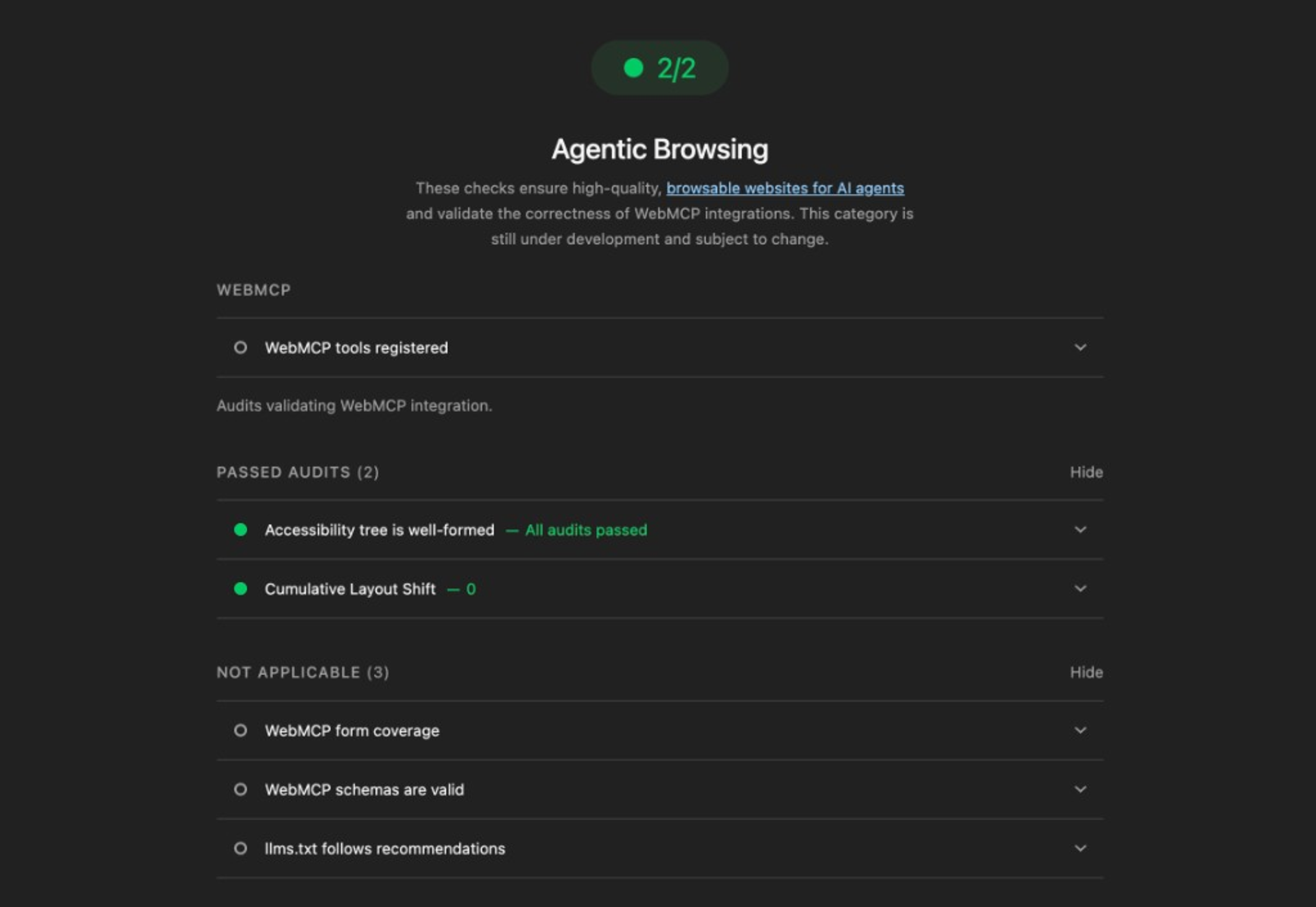
Lighthouse added a fifth category, Agentic Browsing, alongside Performance, Accessibility, Best Practices, and SEO. It evaluates how well your site is constructed for machine interaction.
Unlike the other categories, it doesn't give you a score from 0 to 100. Standards for the agentic web are still being figured out, so instead you get a fractional pass/fail ratio per audit. More of a diagnostic than a grade. That's a reasonable call for something this new.
At the time of writing, running the Agentic Browsing audits requires Chrome 150 or later.
So what does it actually check?
llms.txt
The simplest audit. Does a file called llms.txt exist at your domain root?
Think of it as robots.txt for AI agents: a summary of what your site is about and what agents can do with it. It's a proposed community standard, not a W3C spec, but adoption is moving fast. Lighthouse just checks for its existence, so adding one is about as low-effort as it gets.
WebMCP integration
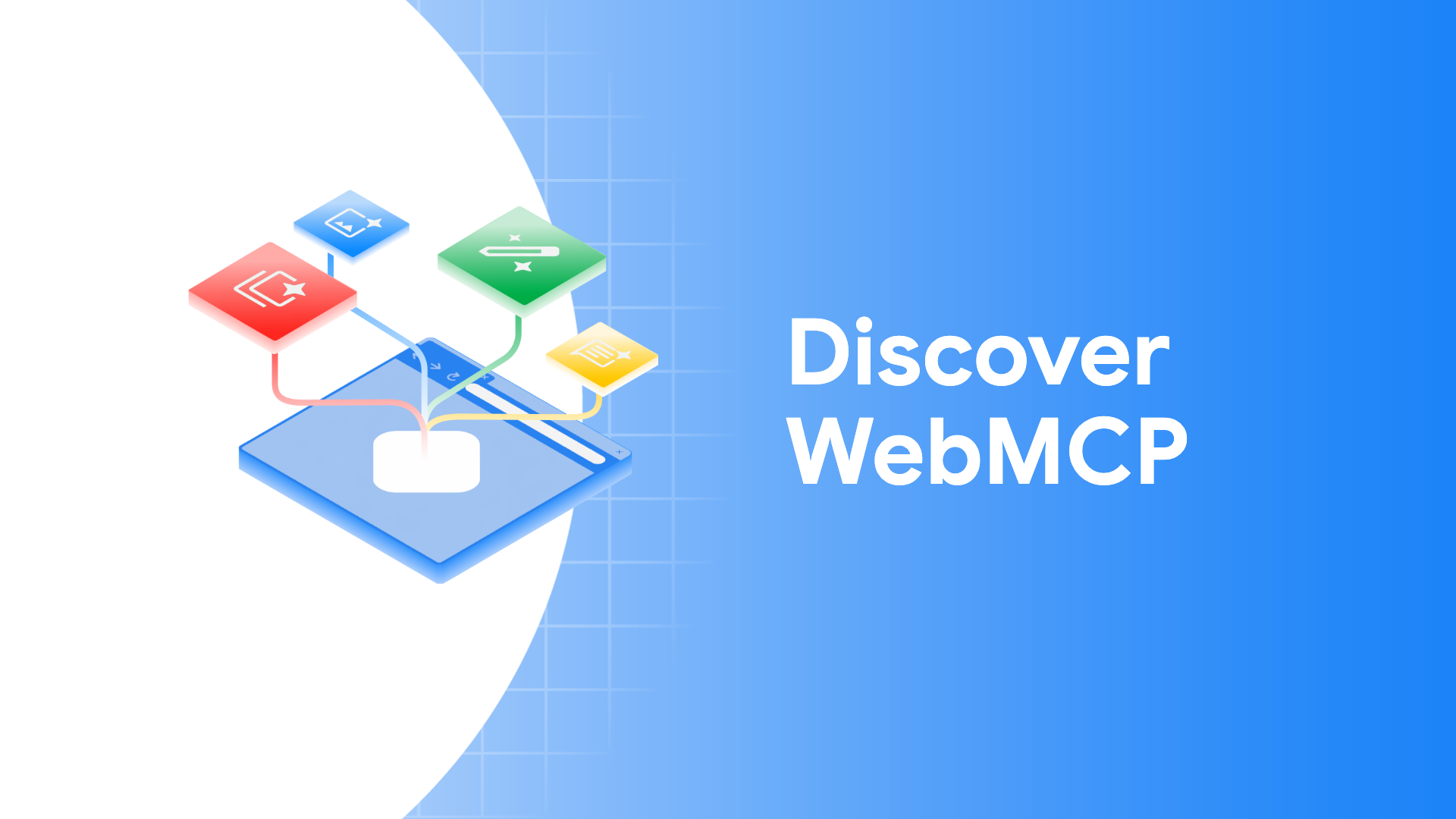
If you've read my previous piece on WebMCP, you already know the basics. WebMCP is a web API (currently in an Origin Trial on Chrome 150+) that lets you explicitly expose actions on your site to AI agents. Instead of an agent guessing that some button probably submits a booking form, you tell it directly.
There are two ways to register tools. Declaratively in HTML, by adding toolname and tooldescription attributes to a form element:
<form toolname="BookTable" tooldescription="Reserve a table at the restaurant">...</form>
Or imperatively via JavaScript, using navigator.modelContext.registerTool().
Lighthouse audits three things: whether tools are registered at all, whether forms are missing declarative WebMCP that could benefit from it, and whether your tool schemas are valid.
One practical caveat on the imperative approach: Lighthouse takes a snapshot of the page, and timing matters. If your JavaScript registers tools after that snapshot, they won't be captured. Worth accounting for if you go that route.
Accessibility for agents
Agents don't see your page visually. They navigate via the accessibility tree. So the audit here filters a specific subset of a11y checks that matter most for machine interaction: every interactive element needs a programmatic name, roles and parent-child relationships need to be valid, and content can't be hidden from the a11y tree while still being interactive.
Nothing here is new. But it reframes why it matters: semantic HTML and proper ARIA labeling aren't just about screen readers. They're the machine-eye view of your page for any automated interaction.
Layout stability
CLS makes the list for a mechanical reason. An agent identifies an element, then tries to interact with it. If something shifts between those two moments, like an ad loading or an image without dimensions popping in, the agent clicks the wrong thing.
If you've already got CLS under control for Core Web Vitals, this is a free pass. If not, now you have two good reasons to fix it.
Putting it into a CI pipeline
The Lighthouse docs explicitly call this out as suitable for CI/CD integration, which I think is the right framing. Not a one-time check, but a quality gate on every deploy. The audits are deterministic, so they'll catch regressions: a WebMCP tool that stops registering correctly, a form that lost its label, a layout shift that crept back in.
Agents are already a non-trivial portion of web traffic on many sites. Having agentic readiness as a first-class metric alongside performance and accessibility is where things are heading.
Where this fits alongside DevTools for agents
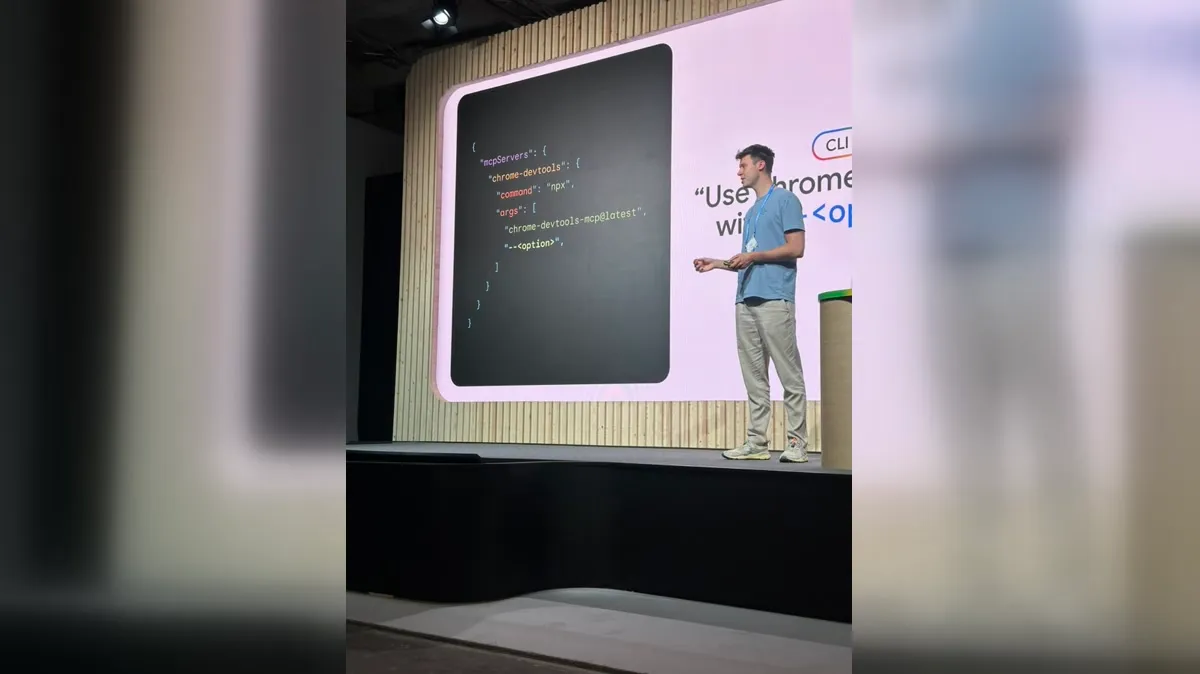
If you've read my previous piece on Chrome DevTools for agents, that's about coding agents helping you build better. My WebMCP article covers the implementation side of one of the audits Lighthouse now checks for. This piece is the other side: ensuring the site you ship is legible and useful to the agents your users will eventually send at it.
Through the DevTools MCP server, your coding agent can run the same Agentic Browsing audit on a live page and get a summary back in the terminal:
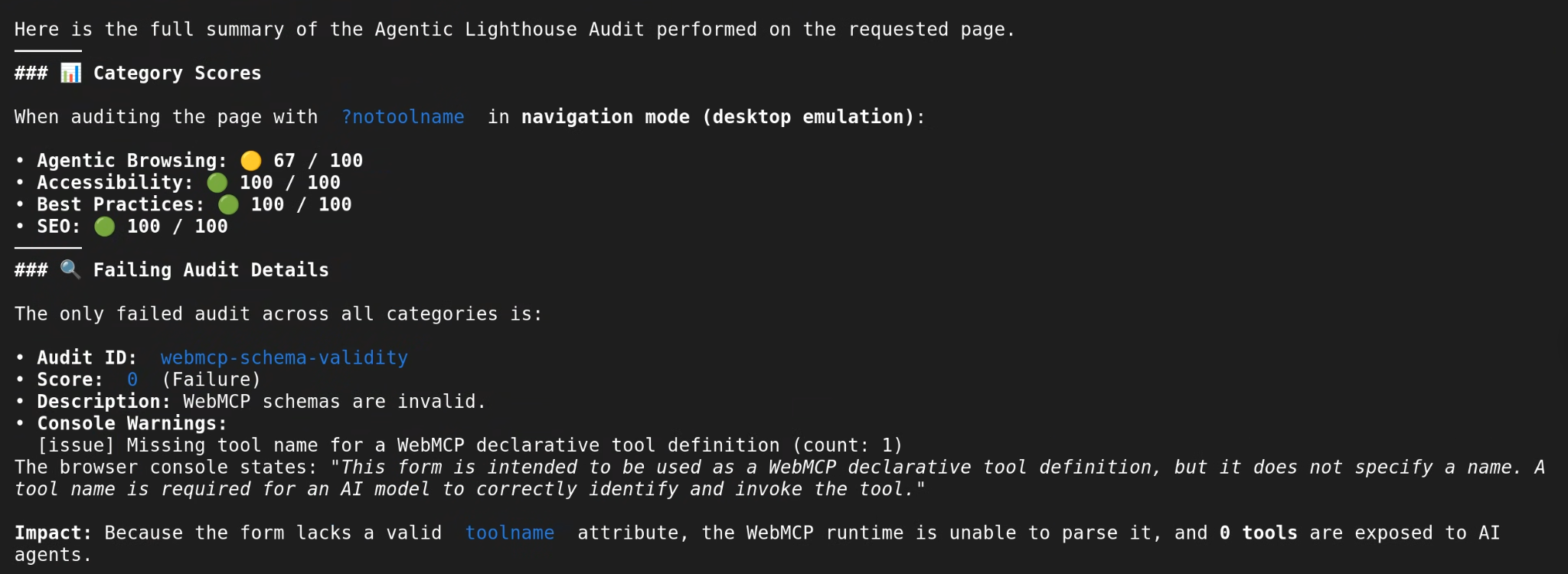
The two concerns are related but distinct. Your dev workflow might be fully agent-assisted and still produce a site that no user-facing agent can successfully navigate. Worth checking both.
The Lighthouse agentic browsing docs are already live if you want to dig in.